Koishi Komeiji Shimeji
A downloadable Shimeji
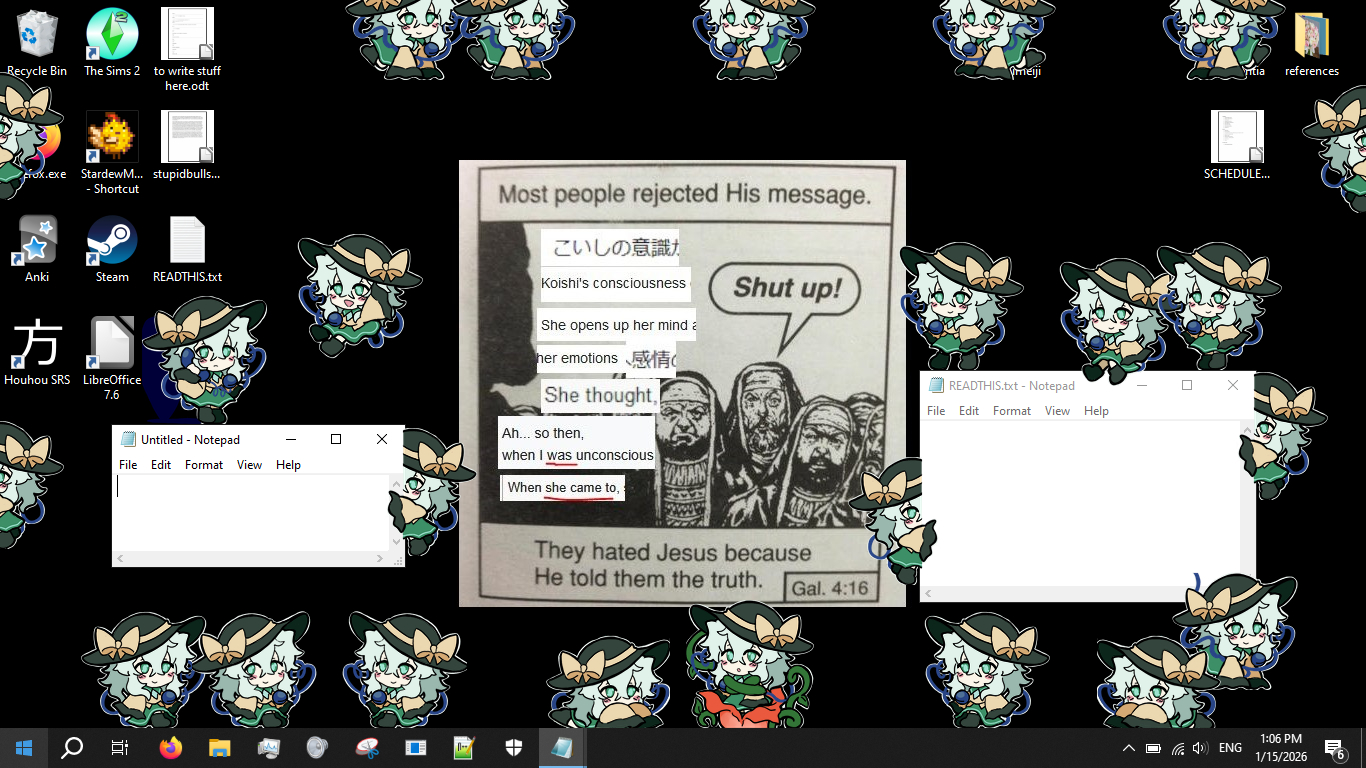
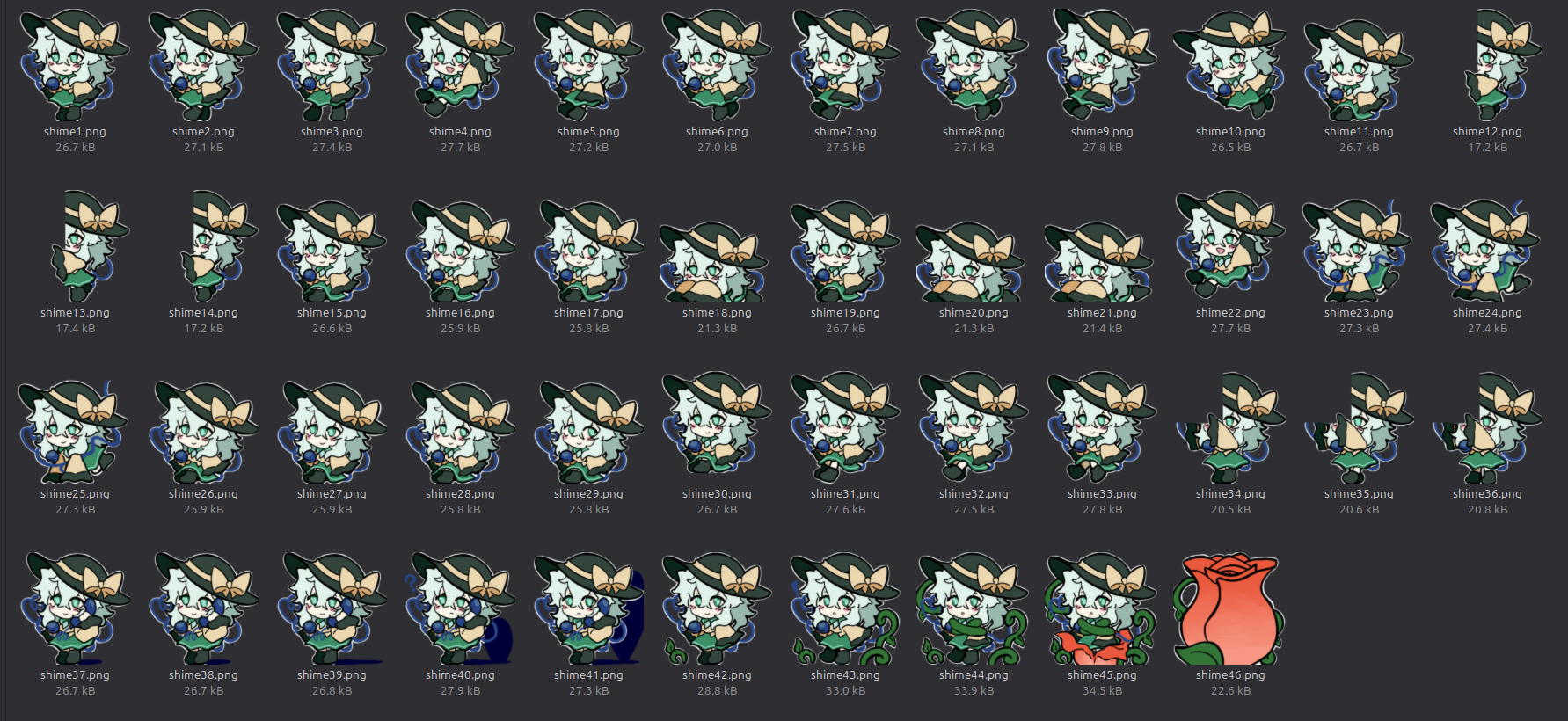
Here is a zip file containing all of the sprites for a Koishi Komeiji Shimeji I made. Happy Koishi Day!
If you are on Windows, you can use Kilkakon's Shimeji-ee Desktop Pet (https://kilkakon.com/shimeji/). You will need Java to run that program. If on MacOS or Linux, you can try pixelomer's Shijima-QT (https://getshijima.app/) instead.
Download
Install instructions
Installation (Shimeji-ee)
After you have made sure to download or update Java, you can download Shimejii-ee here. Extract the zip file and open the folder. Look for another folder named "img" and open it--you should see a folder named "Shimeji" with images of the default character. Download Koishimeji.zip from this itch.io page and extract the folder to the img folder. Now you should have two folders side-by-side eachother: "Koishimeji" and "Shimeji".
Return to the folder with the executable "Shimejii-ee.jar" and run it. Koishi will not appear by default; look towards the bottom right side of your screen where you normally see your volume, battery, and Wi-Fi icons. This is where you can find your system tray. Look for the Shimji-ee.jar icon, which should look like a white square. Right click this icon and go to Settings. Select "Choose Shimeji" where a menu will pop up, allowing you to select Koishi there.
If you have any errors or issues, please go to the kilkakon's official website where you can find a FAQ and video tutorial.
Installation (Shijima)
Go onto the installation page for Shijima-QT. After downloading, extract your files and run the executable Shijima-QT. A menu will pop up, and you will select the "File" option on the top. You will see the new option to "Import Shimeji" which you will click, and then select my downloadable Koishimeji.zip file. You DO NOT need or want to extract Koishimeji.zip, the program will do the work for you.

Leave a comment
Log in with itch.io to leave a comment.